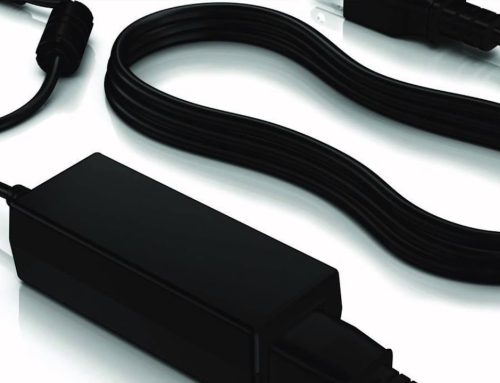
Do you just pick up any power adapter to charge your phone or computer every day? Do you get used to plugging in the charger before going to bed and letting the device charge all night? These seemingly ordinary operations may actually hide risks of damaging the device or even causing safety accidents. Today, we will sort out 5 common mistakes in the use of power adapters and see how many you have made?
Mistake 1: Randomly Mixing Adapters of Different Brands
“There are too many adapters at home, so just find one that can be plugged in and use it”—this is the most common mistake. As we mentioned earlier, the core matching parameters of an adapter are power and interface. Even if the interface can be plugged in, the consequences will be serious if the power does not match. For example, using a 5V/1A mobile phone adapter to charge a laptop that requires 19V/3.42A will result in failure to charge due to severe insufficient power, or even burn the adapter; on the contrary, using a high-power adapter to charge a low-power device (such as a 65W adapter to charge an ordinary Bluetooth speaker), although most devices will automatically adjust the input power, some old devices lack protection mechanisms and may have circuit overload problems.
Correct Approach: Prioritize the use of the original adapter of the device. If you need to replace it with a third-party product, be sure to check that the output voltage and current of the adapter are consistent with the rated parameters of the device, or choose a universal adapter that supports “intelligent power adjustment” (such as our full range of adapters support dynamic power adaptation and are compatible with multi-brand devices).
Mistake 2: Letting the Adapter “Work Overload” While Charging
Many people are used to using the device with high load for a long time while charging it, such as playing large games while charging the laptop, or watching videos and turning on the hotspot while charging the mobile phone. At this time, the device not only needs to consume electric energy to operate but also needs to be charged, which will cause the adapter to continuously be in a high-power output state, and the temperature will rise rapidly.
Although high-quality adapters have high-temperature resistance designs, long-term overload operation will accelerate the aging of internal components and shorten the service life; inferior adapters may overheat, melt the plastic shell, or even cause short circuits and fires due to poor heat dissipation. Correct Approach: Try to reduce high-load operations of the device while charging. If you find that the adapter is obviously overheating (exceeding 40℃, feeling hot to the touch), disconnect the power immediately and check whether it is due to mismatched power or adapter failure.
Mistake 3: Keeping It Plugged in for “Standby” for a Long Time
“It’s more convenient to use next time if the charger is not unplugged”—many people keep the adapter plugged into the socket for a long time, even when it is not connected to the device. This approach not only wastes electric energy (the standby power of an ordinary adapter is about 0.5-1W, which will consume a lot of electricity in a year) but also keeps the adapter in a powered state for a long time. The internal capacitors and other components are under continuous stress, which may lead to aging of the insulation layer and leakage. Especially in thunderstorm weather, the unplugged adapter may be impacted by lightning-induced voltage and damage the internal circuit.
Correct Approach: Unplug the adapter in time after the device is fully charged. When not in use for a long time (such as business trips, travel), be sure to disconnect the adapter from the socket. If you find frequent plugging and unplugging troublesome, you can choose a power strip with a switch and turn off the switch when not in use.
Mistake 4: Ignoring the “Usage Environment” of the Adapter
The working state of the adapter is greatly affected by the environment. Many people place it on a windowsill exposed to direct sunlight, in a sofa gap with poor heat dissipation, or near a water cup or humidifier. High-temperature environments will cause the adapter to have difficulty dissipating heat and the performance of internal components to decline; humid environments are prone to cause short circuits and leakage, especially when there is condensed water at the adapter interface, plugging it into the device may directly burn the circuit.
Correct Approach: Place the adapter in a cool, dry, and well-ventilated place to avoid direct sunlight and liquid immersion. If used in a humid environment (such as a bathroom or kitchen), a dedicated adapter with waterproof and dustproof design should be selected.
Mistake 5: “Disassembling and Repairing” by Yourself When the Adapter Is Damaged
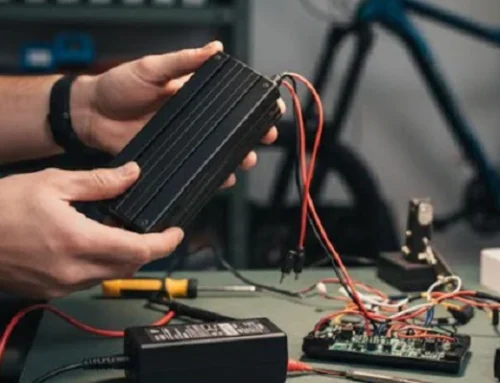
When the adapter has problems such as slow charging, poor contact, and overheating, some users with strong hands-on ability will disassemble and repair it by themselves. However, there are high-voltage capacitors inside the adapter. Even if the power is disconnected, there may be residual high-voltage electricity, and electric shock is easy to occur during disassembly; moreover, the original components are accurately matched, and the inferior components replaced by yourself will increase the safety hazards of the adapter.
Correct Approach: If the adapter is within the warranty period, you can contact the brand after-sales service for replacement; if it exceeds the warranty period, it is recommended to directly replace it with a new regular product, and do not disassemble it by yourself. Our power adapters provide a 2-year warranty service. If there is a quality problem, it can be replaced for free, which fundamentally solves your worries.
Although the power adapter is small, it is the “energy manager” of digital devices. Correct use can not only extend the service life of the device and the adapter but also protect the safety of your family. If you encounter adaptation problems during use or want to know more about the adapter model suitable for you, please click the link below, and our professional team will provide you with one-on-one consulting services~