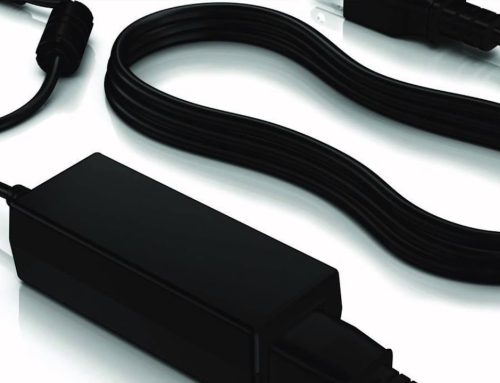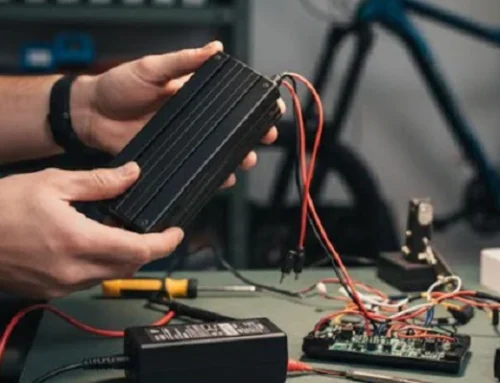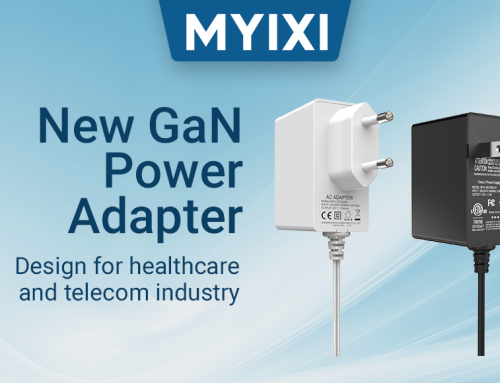
“We both use 65W adapters, so why does yours charge fast and stably while mine keeps disconnecting?” “The adapter I take on business trips is too heavy, but it’s not enough if I don’t take it. Which one should I choose anyway?” Many people only focus on two parameters—power and price—when buying power adapters, but ignore the core “scenario adaptability”. Different usage scenarios have different requirements for the adapter’s power, interface, portability, and even voltage range. Today, we will provide a set of precise adaptation solutions for four core scenarios: home use, office use, travel, and gaming, so that you no longer buy the wrong product by following the trend blindly.
Scenario 1: Home Use – Charging Multiple Devices Simultaneously, Stability and Efficiency Are Key
The typical demand for home scenarios is “centralized charging of multiple devices”: mobile phones, tablets, smart home gateways in the living room, Bluetooth headsets, electric toothbrushes in the bedroom, and laptops, printers in the study often require one adapter to charge multiple devices. At this time, the combination of “single-port adapter + power strip” will lead to a cluttered desktop, low charging efficiency, and even “power grabbing” (when one device is charging, the charging speed of other devices slows down).
Adaptation Solution: Prioritize multi-port GaN (Gallium Nitride) adapters. Compared with traditional silicon materials, GaN materials can achieve higher power in a smaller size. A 65W GaN multi-port adapter is only the size of a traditional 30W single-port adapter, saving desktop space. It is recommended to choose a three-port configuration of “2 Type-C + 1 USB-A”. The Type-C interface supports 65W power distribution (up to 65W when used with a single port, meeting the fast charging needs of laptops; when used with two ports, it can be distributed as 45W + 20W, taking into account both laptops and mobile phones). The USB-A interface is suitable for low-power devices such as Bluetooth headsets and electric toothbrushes.
Additional Reminder: For home use involving high-power devices (such as gaming laptops above 100W, external graphics docks for desktop computers), a multi-port adapter of 120W or above should be selected to ensure that the single-port output power can match the rated demand of the device, avoiding slow charging caused by insufficient power.
Scenario 2: Office Use – Balancing Fast Charging and Portability, Adapting to Multi-Device Connection
Office scenario needs are divided into two categories: “fixed desktop charging” and “mobile office charging”. Fixed desktop charging needs to stably support laptops, mobile phones, external monitors and other devices; mobile office (such as conference projection, meeting clients outside) requires the adapter to be lightweight and portable, and can charge the device at any time.
Adaptation Solution: A dual-port adapter with foldable pins is the best choice. Choose a 65W dual-port configuration of “1 Type-C + 1 USB-A”. The Type-C interface can provide fast charging for laptops (such as MacBook Air, Lenovo Xiaoxin Pro and other models below 65W), and the USB-A interface charges mobile phones, meeting the needs of simultaneous charging of two devices on the desktop. The foldable pin design prevents the adapter from hooking other items in the backpack, and the weight is controlled within 120g, which is 50% lighter than traditional adapters, making it easy to carry for mobile office.
Advanced Demand: For high-performance laptops above 100W (such as Dell XPS 15, Huawei MateBook X Pro), a 100W dual-port GaN adapter can be selected. The single Type-C port output can reach 100W, meeting the fast charging needs of the laptop, and the other port can charge the mobile phone or tablet at the same time, balancing performance and efficiency.
Scenario 3: Travel Scenario – Lightweight and Wide Voltage Range, Adapting to Global Travel
The core pain points of travel scenarios are “weight” and “voltage adaptation”: traditional adapters are heavy, increasing luggage weight; when traveling abroad, different national voltages (such as 110V in the United States, 230V in Europe) may cause ordinary adapters to be unusable or even burn the device. In addition, the number of sockets in hotels is limited, so the adapter needs to charge mobile phones, cameras, laptops and other devices at the same time.
Adaptation Solution: Choose a mini multi-port adapter with wide voltage range. In terms of power, 30W or 65W is the mainstream choice—30W is suitable for mobile phones, tablets, and small laptops (such as 13-inch MacBook Air), and 65W can cover most 14-inch laptops. Two key conditions must be met: first, “wide voltage range” (input voltage 100-240V), which is universally applicable around the world without additional transformers; second, “mini size”, for example, a 65W mini adapter is only the size of a lighter and weighs less than 100g.
Practical Tip: When traveling with devices such as cameras and drones, their chargers often have dedicated interfaces. You can choose an adapter with USB-C PD protocol and connect it to the device’s dedicated interface through an adapter cable, reducing the number of chargers carried and further lightening the luggage.
Scenario 4: Gaming Scenario – High Power and Strong Stability, Adapting to Full-Load Operation of Devices
Gaming scenarios have the most stringent requirements for adapters: when a gaming laptop runs large games, it not only needs to be charged but also needs to provide additional power for hardware such as graphics cards and CPUs. At this time, the output power of the adapter must be sufficient and stable; at the same time, gaming peripherals (such as mechanical keyboards, gaming mice, external cooling back clips) also need to be powered at the same time, which has certain requirements for the number of interfaces.
Adaptation Solution: Combination of high-power single-port + multi-port expansion. First, choose a single-port GaN adapter of 120W or above for the gaming laptop to ensure that the output power exceeds the rated power of the gaming laptop (such as a 140W adapter for a 120W gaming laptop), avoiding stuttering and power failure caused by insufficient power during full-load operation; second, match a 30W mini multi-port adapter to specifically charge peripherals, avoiding “power grabbing” between peripherals and the host that affects the gaming experience.
Core Note: Gaming adapters should be recognized for their “dynamic power adjustment” technology. When the device load is reduced (such as quitting the game to browse the web), the adapter can automatically reduce the output power, reducing energy consumption and heat generation, and extending the service life of the adapter.
Finally: Choosing the Wrong Scenario? These Problems Will Arise
Many people ignore scenario adaptability, leading to various problems: for example, taking a high-power adapter when traveling makes the luggage too heavy; using a mini adapter to charge a gaming laptop in the office makes the charging speed unable to keep up with the power consumption; using a single-port adapter at home leads to cluttered desktop cables. In fact, choosing an adapter that fits the scenario can not only improve the user experience but also extend the service life of the device and the adapter.
We have launched a full range of scenario-based power adapters for the four core scenarios, from 30W mini travel models to 140W gaming models. All adopt GaN materials and multiple safety certifications, compatible with 99% of mainstream digital devices. If you are not sure which model to choose for your usage scenario, please consult our online customer service, provide the device model and usage scenario, and we will match the optimal solution for you one-on-one~ Click the link below to view the details of the full range of scenario-based adapters!